GIS Insights

EndoMaps Blog

Expert articles, tutorials, and industry insights from our GIS professionals — helping you get more from spatial data.

GIS Skills for 2024
Featured

Top 10 GIS Skills Every Professional Needs in 2026

The geospatial industry is evolving at an unprecedented pace. Cloud GIS, AI-assisted mapping, and real-time spatial analytics are reshaping what employers expect from GIS professionals. Whether you're just starting out or looking to level up, mastering these skills will keep you competitive in the 2026 job market.

1. Cloud GIS Platforms

Proficiency with ArcGIS Online, Google Earth Engine, and AWS Location Services is now essential. Organizations are moving away from desktop-only workflows toward cloud-based collaboration and real-time data sharing.

2. Python for Geospatial Analysis

Python with libraries like GeoPandas, Shapely, Rasterio, and PyQGIS has become the standard scripting language in GIS. Automating repetitive tasks, processing large datasets, and building custom tools all depend on Python fluency.

3. Remote Sensing & Satellite Imagery

The ability to download, process, and analyze multispectral imagery from Sentinel-2, Landsat, and commercial satellites is highly valued. NDVI, NDWI, and change detection workflows are core competencies for environmental and agricultural GIS roles.

4. Spatial SQL & PostGIS

Modern GIS is database-driven. Knowing how to write spatial queries in PostgreSQL/PostGIS — or SQL Server Spatial — makes you far more valuable than someone limited to desktop GUI workflows.

5. Web Mapping Development

JavaScript libraries like Leaflet, MapboxGL JS, and OpenLayers, combined with frameworks like React, are used to build the interactive maps millions of people use daily. This skill bridges GIS and software engineering.

6. LiDAR Processing

Point cloud data from drones and airborne sensors is increasingly standard in construction, forestry, and urban planning. Tools like LAStools, PDAL, and CloudCompare are the industry standard.

7. GPS/GNSS Field Skills

Despite digital advancement, field data collection remains critical. Knowing how to operate high-precision GNSS receivers, RTK equipment, and data loggers bridges the gap between office GIS and real-world measurement.

8. Machine Learning for Spatial Data

Object detection in imagery, land cover classification with Random Forest or CNNs, and predictive spatial modeling are growing rapidly. Familiarity with scikit-learn, TensorFlow, and ArcGIS Image Analyst is a career differentiator.

9. 3D GIS & BIM Integration

City planners and infrastructure teams increasingly require 3D modeling in tools like CityEngine, ArcGIS Pro 3D Analyst, or integration with BIM (Building Information Modeling) workflows via IFC and Revit bridges.

10. Data Storytelling & Dashboard Design

Technical GIS work only matters when it communicates clearly. Dashboards in ArcGIS Dashboards, Power BI with Map visuals, or Tableau help decision-makers act on your spatial insights.

The bottom line: The most successful GIS professionals in 2026 are those who blend traditional geospatial expertise with data engineering, programming, and communication skills. Continuous learning is no longer optional — it's the job.

ArcGIS vs QGIS comparison

ArcGIS vs QGIS: Which Platform Should You Choose?

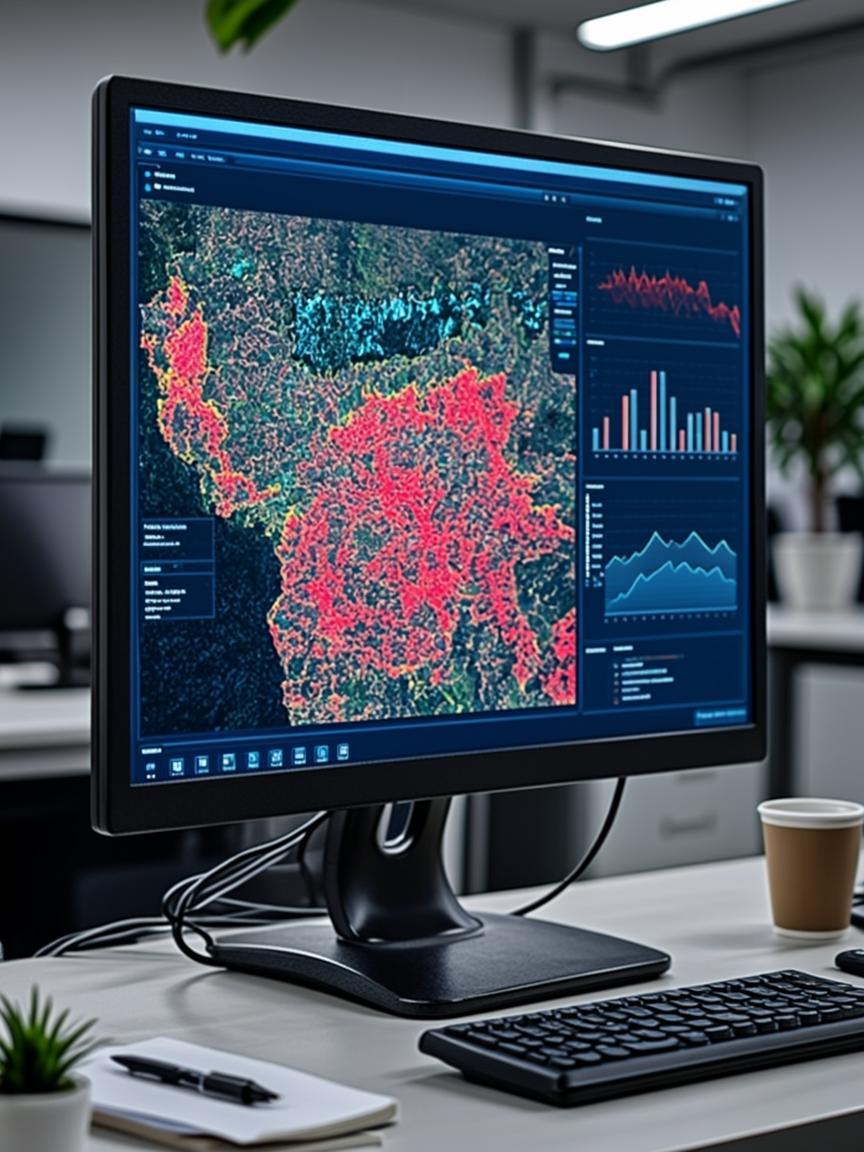
Both ArcGIS and QGIS are powerful GIS platforms, but they serve different needs and budgets. ArcGIS (Esri) offers enterprise-grade tools, deep integration with cloud services, and commercial support — but comes with significant licensing costs.

QGIS, as a free and open-source platform, has matured into a professional-grade tool with an enormous plugin ecosystem, Python scripting support, and active community development. For small firms, startups, and NGOs, QGIS is often the practical choice.

Our recommendation: Use ArcGIS for enterprise environments with existing Esri investment, government compliance requirements, or heavy ArcGIS Online integration. Choose QGIS for cost-conscious projects, open-source workflows, and maximum flexibility. Many GIS professionals use both.

  • ArcGIS Pro: Best for enterprise, 3D, and Esri ecosystem
  • QGIS: Best for open-source, scripting, and budget projects
  • Both support Shapefile, GeoJSON, PostGIS, WMS/WFS
Satellite imagery for agriculture

Using Satellite Imagery for Agricultural Monitoring

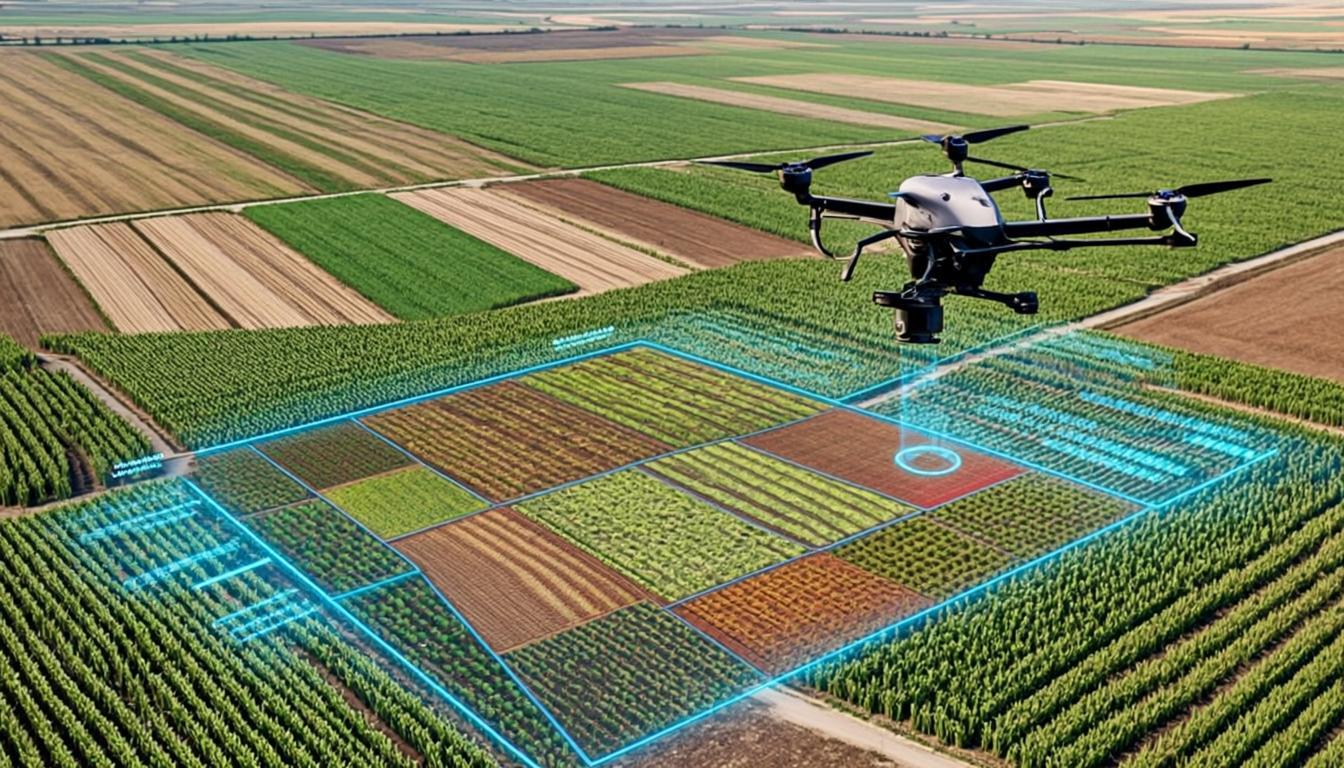
Free satellite data from ESA's Sentinel-2 and NASA/USGS Landsat programs has revolutionized agricultural monitoring. With 10-meter resolution and a 5-day revisit time, Sentinel-2 enables farmers and agronomists to monitor large crop areas at minimal cost.

Key indices for crop health: NDVI (Normalized Difference Vegetation Index) measures plant greenness and biomass. Values above 0.6 indicate healthy dense vegetation, while values below 0.2 suggest bare soil or stressed crops. NDWI helps monitor water content and irrigation needs.

Using QGIS or Google Earth Engine, you can download time-series imagery and calculate change in crop health across a full growing season — identifying problem areas before they cause significant yield loss.

  • Free data: Sentinel Hub, Copernicus Open Access Hub
  • NDVI, NDWI, EVI for different crop health metrics
  • GEE: process 10,000+ images with JavaScript/Python
Urban GIS planning

How Cities Use GIS for Smart Urban Planning

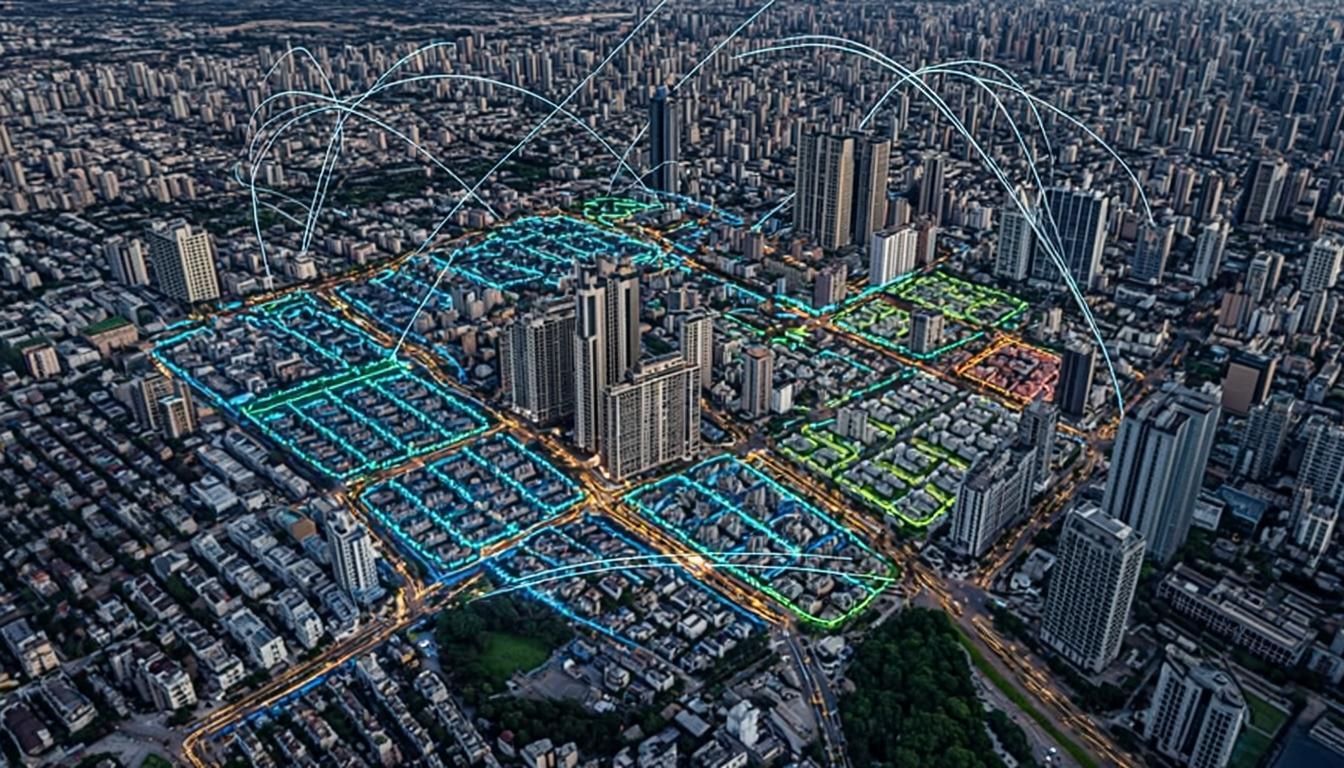
Modern city planning is impossible without GIS. From zoning management and infrastructure asset tracking to population growth modeling and emergency response routing, geospatial tools underpin every aspect of urban governance.

In a typical municipal GIS deployment, the city maintains geodatabases of parcels, utilities (water, sewer, electricity), road networks, and building footprints. When integrated with IoT sensor data — traffic sensors, air quality monitors, utility meters — the system becomes a real-time city dashboard.

  • Zoning and land-use planning with spatial overlays
  • Utility network management and leak detection
  • Emergency response route optimization
GPS GNSS surveying guide

Beginner's Guide to GPS/GNSS Surveying Accuracy

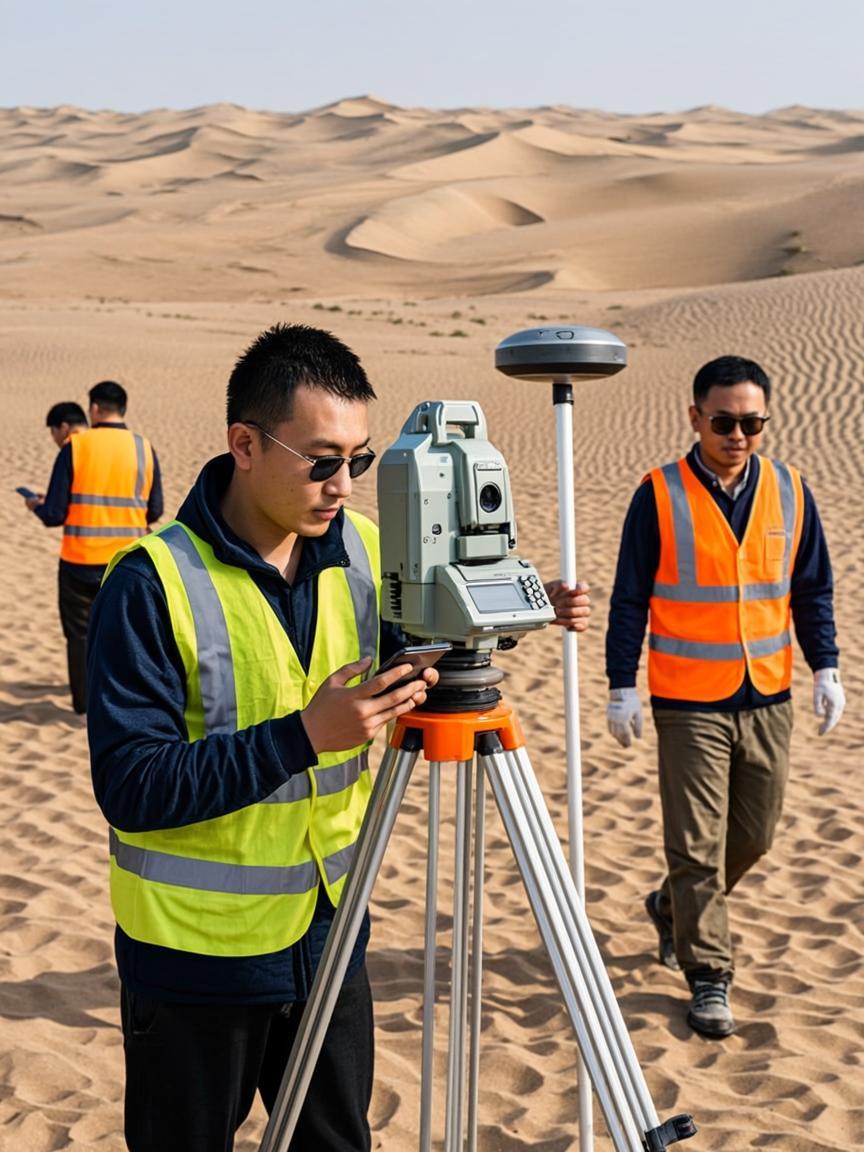
Not all GPS is equal. A smartphone GPS gives 3-5 meter accuracy, which is fine for navigation. Professional GNSS receivers using RTK (Real-Time Kinematic) correction achieve centimeter-level accuracy — essential for legal land surveys, construction staking, and precision agriculture.

RTK works by receiving correction signals from a nearby base station (or NTRIP network) to eliminate atmospheric errors in real time. The result: horizontal accuracy of ±1-2 cm and vertical accuracy of ±2-3 cm under good sky conditions.

  • RTK GNSS: 1-2 cm horizontal, 2-3 cm vertical
  • NTRIP networks provide virtual base stations
  • Always record metadata: time, PDOP, solution type